

Smart Home Appliances Explained (2025): Innovations, Must-Haves, and Deals
Smart home tech keeps getting smarter—but also more confusing. New standards, faster Wi-Fi, and AI features promise real benefits, yet not every smart home appliances feature is worth your money. This 2025 guide distills what actually matters, how to avoid gotchas, and which categories are worth upgrading now (and which can wait). For ongoing tips, how-tos, and troubleshooting—no repair services—see Appliance Rescue, a hub for Expert Guides, Appliance Tips, and DIY-friendly advice.
1) What’s new in 2025 (and why it matters)
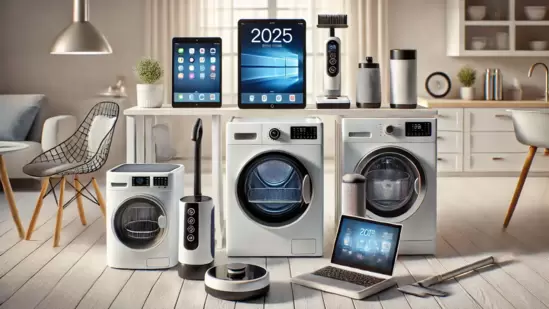
Interoperability finally arrived. The Matter standard now covers more major appliances (ovens, cooktops, laundry) and adds energy and water management data, making cross-platform control more realistic than in the past. Translation: fewer bridge boxes and better odds your new washer talks to your existing ecosystem.
Setup is less painful. Recent Matter updates introduced multi-device QR codes and tap-to-pair via NFC. You can onboard a bunch of devices faster—and with fewer quirky manufacturer apps in the mix.
Energy features are getting useful. ENERGY STAR’s “connected functionality” is spreading: door-left-open alerts for fridges, demand-response support with utilities, and smarter optimization modes built into appliances. If you want lower bills (and fewer energy-wasting mistakes), prioritize models that surface actionable alerts, not just pretty graphs.
Home networking leveled up. Wi-Fi 7 routers and mesh systems improve stability for device-dense homes; multi-link operation helps reduce drops for cameras and appliances scattered across floors. You don’t need Wi-Fi 7 for every device, but a modern router can cure a lot of “my smart thing is dumb today” headaches.
Safety and efficiency standards are evolving. Updated UL/IEC household-appliance safety standards and 2025 efficiency specs (especially around heat pumps and water heating) keep nudging manufacturers toward safer, more efficient designs. If you’re replacing HVAC-adjacent gear, check for compliance with the latest requirements and local incentives.
2) The 10-minute pre-purchase checklist
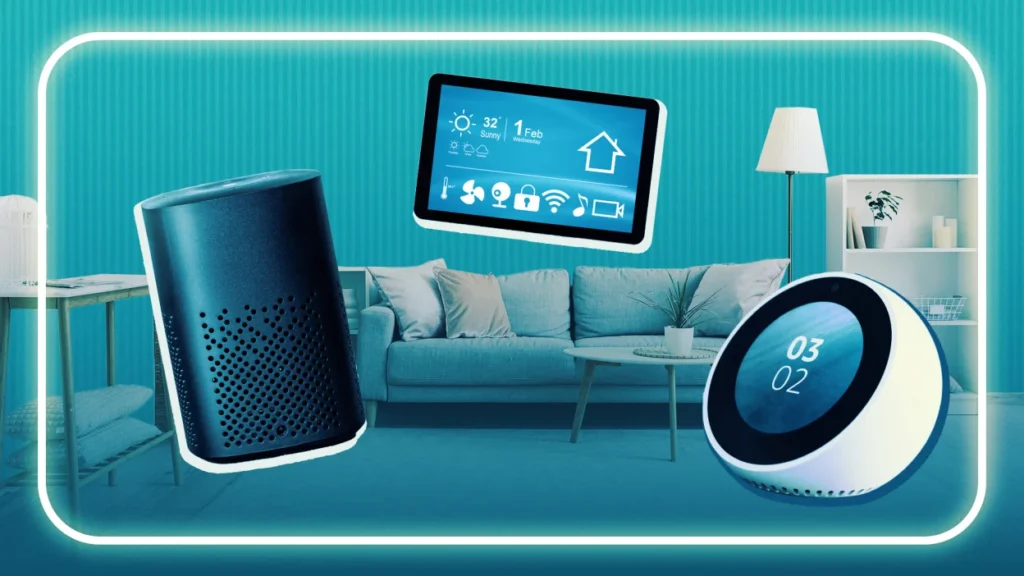
- Ecosystem fit: Confirm Matter support and that the device works with your primary app (Apple Home, Google Home, Alexa, SmartThings). Prioritize “Matter over Thread” where possible for reliability.
- Networking sanity: Count devices. If you’re past ~30 Wi-Fi gadgets, consider a modern mesh router before adding more smart gear.
- Energy smarts: Look for ENERGY STAR + connected features (alerts, demand response). These deliver measurable value.
- Local control > cloud: Devices that keep core functions local are faster and keep working during internet outages. (Matter’s architecture helps here.)
- Data handling: Check if schedules, scenes, and voice clips live locally or in the cloud; review deletion options and two-factor authentication.
- Repairability and parts: Favor brands offering parts availability and clear maintenance paths. Remote diagnostics is a plus if it’s opt-in and transparent.
- Longevity: Confirm over-the-air update policy (and for how long).
- Noise & ergonomics: Smart features don’t excuse poor basics—check dB ratings, door swing, filter costs, and app usability.
- Warranty + utility rebates: Especially for heat-pump dryers/water heaters, look for 2025-ready specs and local incentives.
- Real-world reviews: Prioritize long-term testing (months, not days) rather than just spec sheets.
3) Category-by-category guidance (what to buy now vs. later)
A. Kitchen appliances
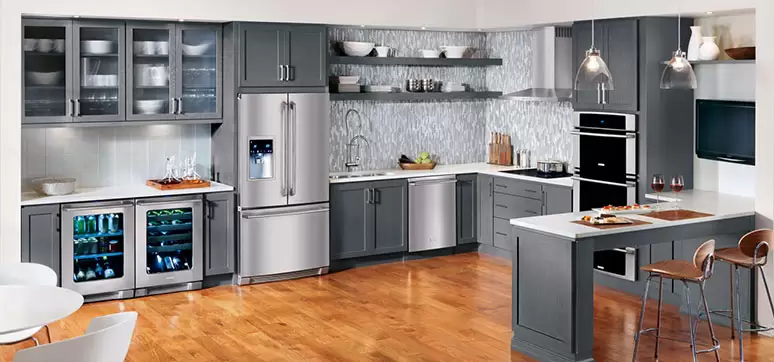
- Refrigerators: Worth upgrading if you want energy alerts (door left open, temp drift) and local monitoring. Skip giant touchscreens you’ll never use. Look for Matter roadmaps or native support so it slots into your home scenes.
- Wall ovens & cooktops: Matter support is emerging; remote preheating, multi-stage cooking, and improved safety interlocks are coming to 2025 models. If your current unit works, waiting 6–12 months may yield broader compatibility and bug fixes.
- Dishwashers: Useful smarts include cycle-end notifications, leak sensors, and water-use reporting. Avoid models that hide basics (like manual cycle selection) behind an app.
B. Laundry
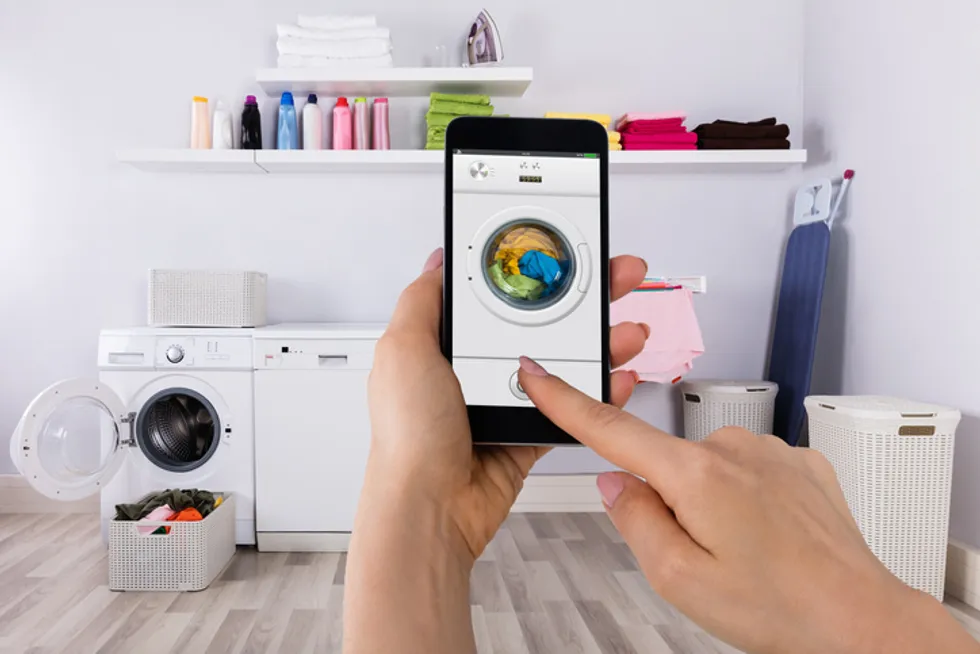
- Washers & dryers: Go for load-sensing, fabric-aware cycles, and leak detection. Matter’s broadened appliance support suggests smoother integrations for start/stop, notifications, and energy reporting this cycle year. Heat-pump dryers are compelling for energy savings and ventless installs.
C. Air & water (high impact)
- Heat pumps & water heaters: If you’re already shopping, prioritize 2025 efficiency tiers and demand-response readiness; rebates can be significant. Integration with your smart thermostat and utility can automate off-peak heating.
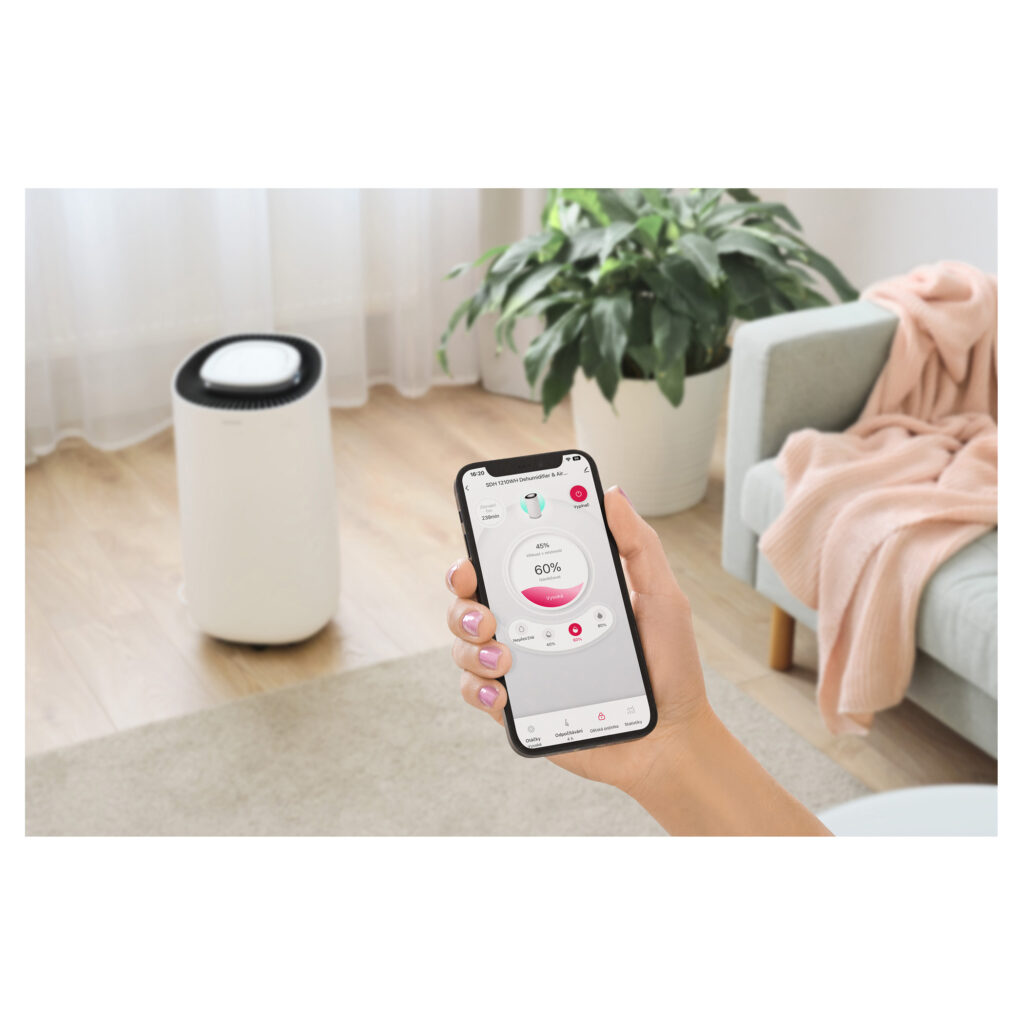
- Air purifiers & dehumidifiers: Smart worth paying for: air-quality sensors, auto-mode, filter-life tracking, and quiet schedules. Avoid subscription-locked filters.
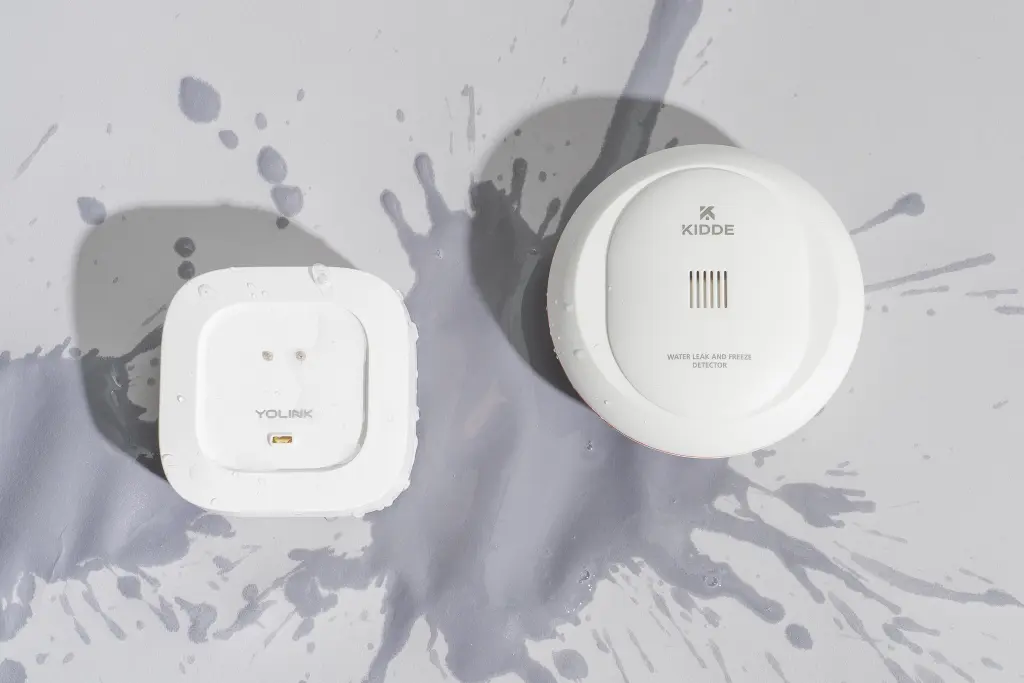
- Leak and shutoff valves: Small cost, big payoff. Pair with automations to cut water on leak detection.
D. Cleaning & comfort
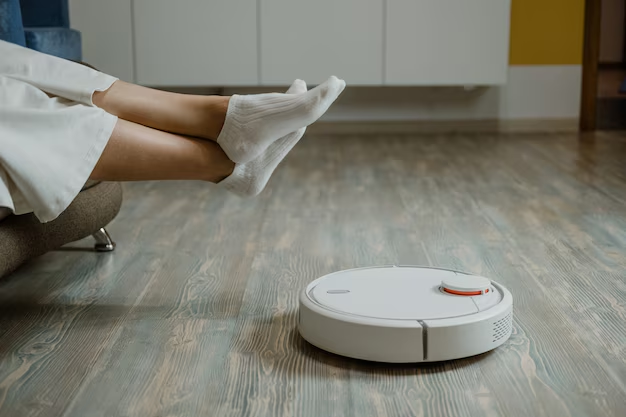
- Robot vacuums/mops: The big wins are obstacle avoidance that actually works, reliable map retention, and self-emptying bases. Voice scenes (e.g., “after dinner”) are handy; avoid models that require cloud accounts for local cleaning.
- Smart thermostats: Choose models that support energy incentives and provide occupancy-aware schedules. Combined with utility demand response, these can pay for themselves.
E. Networking (the quiet MVP)
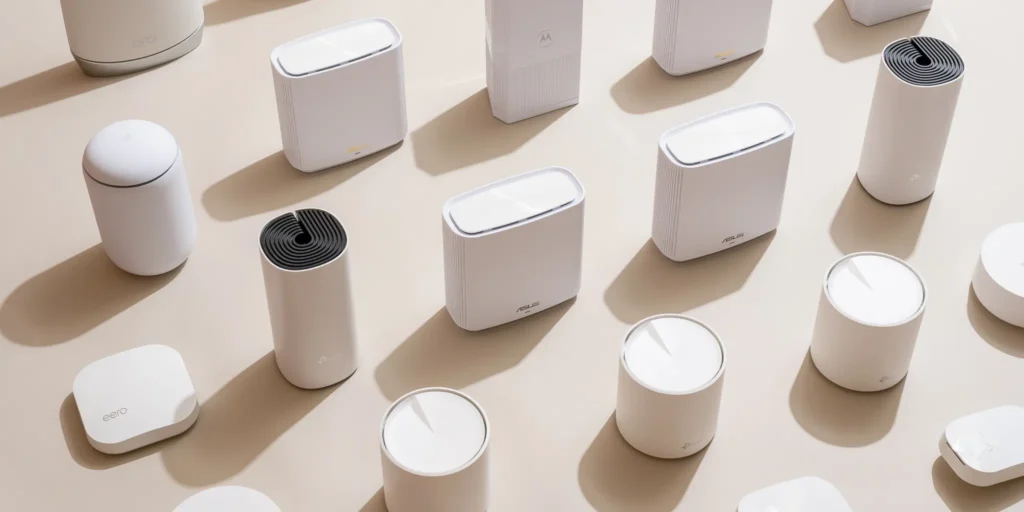
- Routers & mesh systems: Upgrading to a solid Wi-Fi 6E or Wi-Fi 7 backbone prevents flaky automations and stalled firmware updates. Look for MLO support and solid backhaul.
4) Genuinely Useful Features (vs. fluff)
Worth it
- Energy & water reporting tied to alerts (e.g., “door open 5 min; temp rising”).
- Local automations (run a sanitize cycle if the dishwasher detects a long idle period).
- Leak detection with auto-shutoff for dishwashers, washers, and under-sink valves.
- Child locks & safety interlocks are exposed to your smart home platform (not only in the OEM app).
- Remote diagnostics (opt-in) that reads error codes, not your personal data; it should speed up warranty support and reduce guesswork.
Skip (or be skeptical)
- Mega touchscreens on fridges and ranges that duplicate your phone.
- “AI” cycles that can’t be overridden manually.
- Smart features that stop working without the brand’s cloud.
5) Privacy & security: quick guardrails
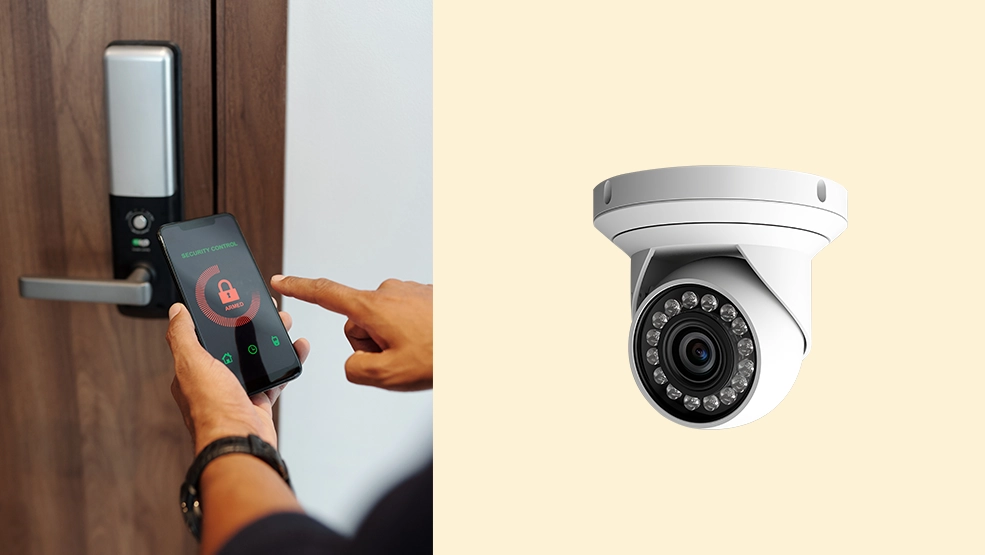
- Prefer Matter-certified devices; the spec encourages local control and reduced cloud dependence.
- Use a separate IoT network/VLAN if your router supports it; at minimum, enable guest networking for gadgets.
- Turn on 2FA in every appliance app; disable unnecessary remote access.
- Audit permissions: location, microphone, camera—deny what the device doesn’t need.
- Confirm data deletion paths before purchase (especially for cameras and voice-enabled gear).
6) Budgeting & timing tips
- Bundle wisely: Black Friday–adjacent promos often bundle dishwasher + range + microwave. Ensure each unit meets your smart/efficiency requirements; don’t accept a dud microwave just for the discount.
- Think lifetime cost: Filters, water softener salts, bags, and detergents add up. A cheaper device with pricey consumables can cost more after 2–3 years.
- Wait on bleeding edge: First-gen features (brand-new camera integrations, experimental “AI cooking”) often stabilize after one model year.
- Upgrade the router once: If you’re replacing more than two critical smart appliances, stabilize the network first.
7) Top picks (by room and purpose)
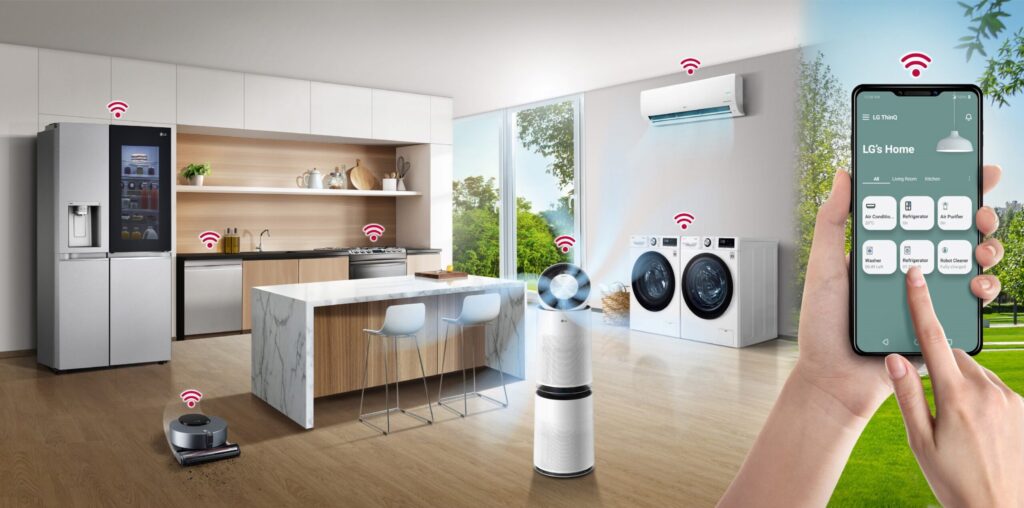
Rather than lock you into brand names that change monthly, here are spec-driven picks—the traits to shop for today.
Kitchen
- Fridge: ENERGY STAR + connected alerts, door-ajar and temp-drift notifications, local control, leak sensors for built-ins.
- Wall oven: Matter-compatible (or announced support), reliable temp calibration, auto-lock safety, remote preheat with confirmations.
- Dishwasher: Auto-dosage, soil sensors, quiet cycles ≤45 dB, overflow pan sensor.
Laundry room
- Washer: Load sensors, antimicrobial drum cycles, leak tray sensor, Matter/energy reporting roadmap.
- Dryer: Heat-pump model for energy savings, humidity-based auto-stop, vent diagnostics.
Utility/comfort
- Water heater: Demand-response ready, app-based vacation mode, leak shutoff kit.
- Thermostat: Utility program support, occupancy sensing, and local schedules.
- Leak sensors & valves: Whole-home shutoff integration, replaceable batteries, audible alarms.
Whole-home foundation
- Router/mesh: Wi-Fi 7 (or strong 6E) with MLO, IoT/guest network, solid mobile app, automatic security updates.
8) Set up a blueprint for a frustration-free smart home
- Start with networking. Place a mesh node on each floor, avoid metal cabinets, and wire backhaul if possible.
- Onboard with Matter first. Use the smart-home controller app (Apple/Google/Alexa/SmartThings) and only install OEM apps if you must for firmware. Newer Matter onboarding (multi-device QR, tap-to-pair) cuts time dramatically.
- Name devices clearly. “Kitchen-Fridge” beats “Appliance-0231.”
- Create three core scenes: “Away” (energy saving + leak alerts), “Night” (quiet modes, lock doors), and “Company” (lighting + air quality).
- Audit quarterly. Remove orphaned apps, update firmware, and test critical automations (locks, leaks, heat).
9) Common pitfalls (and how to dodge them)
- Buying for the app, not the appliance. Start with reliable hardware; software changes fast.
- Ignoring physical install constraints. Door swings, venting, drain lines, and cabinet cutouts are still the boss.
- Cloud lock-in. If a device becomes useless without brand servers, you’re renting, not owning. Prioritize local control via Matter where possible.
- Skipping rebate paperwork. Heat-pump incentives can change the math—check your utility before you buy.
10) Where to learn more (no-pressure help)
If you want step-by-step buyer’s checklists, setup walkthroughs, and troubleshooting—not repair services—bookmark Appliance Rescue. Have a specific question about your setup? Contact us and we’ll point you to the right guide.