
How to Reset a Washing Machine: A Simple Guide for Every Home
Wondering how to reset a washing machine? A washing machine is a modern-day essential, and when it stops working properly, it can throw your household into chaos. One common solution to many washer issues is a simple reset. Whether your machine is stuck in a cycle, displaying error codes, or not starting at all, a reset might be all it needs to get back on track. In this guide, we’ll walk you through how to reset a washing machine—whether it’s a top-loader, front-loader, or a high-tech digital model.
Why Resetting Your Washer Works
Resetting a washing machine clears its memory and resets its control board. This helps eliminate software glitches or electronic malfunctions that might be preventing the machine from operating normally. Think of it like rebooting a frozen computer.
General Steps to Reset Most Washing Machines
While steps may vary slightly by brand and model, here’s a basic process that works for many standard machines:
- Unplug the Washing Machine
Unplug the washer from the power outlet. If it’s hardwired, turn off the breaker that supplies power to it. - Wait 1 to 5 Minutes
Leave the machine unplugged for at least one minute (some models may require up to five minutes). This allows the electrical charge in the control board to dissipate. - Plug It Back In
Restore power by plugging the machine back in or flipping the breaker switch. - Open and Close the Lid (for Top-Load Washers)
Open and close the lid six times within 12 seconds. This step helps the machine recognize that a reset has occurred.

Resetting a Front-Load Washing Machine
For front-loaders, the reset process may involve holding specific buttons:
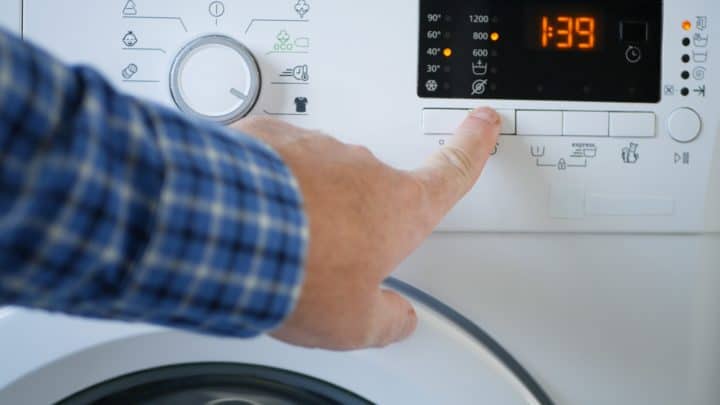
- Press and hold the "Pause/Cancel" and "Power" buttons simultaneously for about 5 seconds.
- On some models, pressing "Start" + "Pause" together can also trigger a reset.
Refer to your washer’s manual for exact instructions tailored to your brand.
Resetting a Digital or Smart Washer
Modern washers with digital displays or Wi-Fi capabilities may have built-in reset buttons. Look for:
- A dedicated "Reset" button.
- A touchscreen option within the settings menu.
- Factory reset via the mobile app if connected to Wi-Fi.
Common Brands and Their Reset Tips
- Whirlpool: Unplug for 1 minute, plug back in, and lift/lower lid 6 times.
- LG: Press “Power” + “Start/Pause” for 5 seconds.
- Samsung: Turn off power for 5 minutes, then restart the machine.
- GE: Unplug, wait 30 seconds, then plug in again and press "Start."
When to Call a Technician
If a reset doesn’t solve the issue and your washer is still flashing error codes, leaking, or refusing to start, it’s best to call a certified technician. Some problems, like a faulty control board or motor, require professional repair.
Conclusion
Learning how to reset your washing machine can save you time, money, and unnecessary stress. It’s a quick fix for many common issues and often gets your washer running again in no time. Just follow the steps based on your washer type and model—and you might be surprised how simple it is to troubleshoot your appliance.