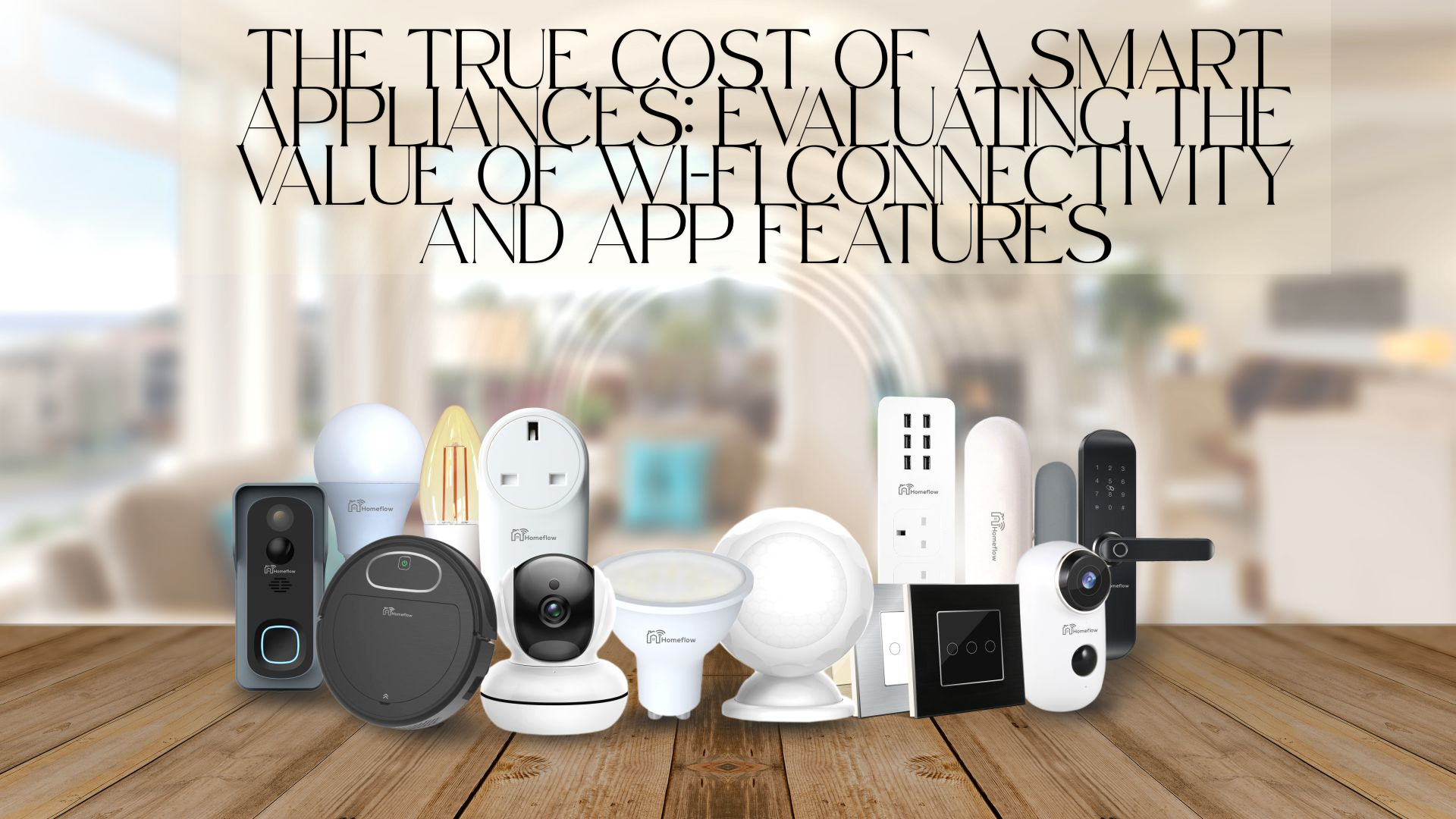

Do Smart Features Pay Off? Calculating the Value of Wi-Fi-Enabled Appliances
Smart appliances promise convenience: a washing machine that pings you when a cycle ends, a fridge that reminds you about milk, and an oven you can preheat from the office. The marketing is slick—and sometimes the features are genuinely useful. But the real question for a buyer is simple: do Wi-Fi and app features actually deliver value that justifies their lifetime cost? This guide breaks down the often-overlooked economics, practical trade-offs, and decision checkpoints you can use before you commit.
Quick note: Appliance Rescue does not sell or repair appliances. The site provides Expert Guides, Appliance Tips, and Troubleshooting Advice so you can make better decisions and handle minor issues yourself. Explore more at Appliance Rescue, or Contact us if you have a question about this guide.
1) What “Smart” Really Means (and Why It Matters)
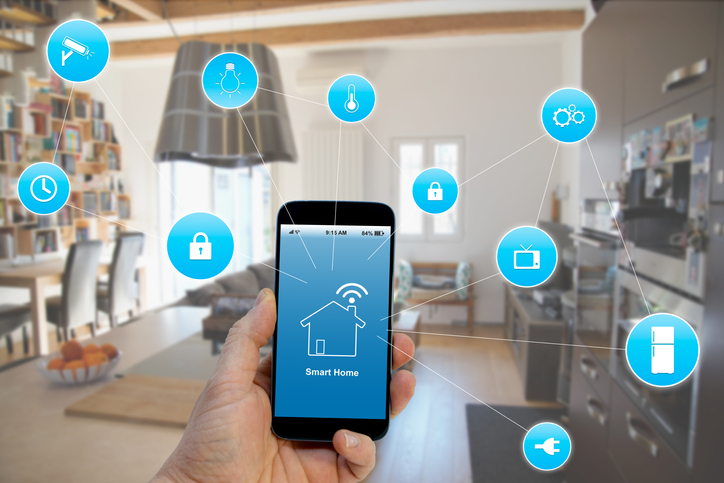
A “smart” appliance typically includes three layers:
- Connectivity: Wi-Fi (sometimes Bluetooth, Zigbee, Thread, or Ethernet) to link with your home network and cloud services.
- Software & Cloud: A mobile app, firmware, and remote servers that enable features like notifications, voice control, and algorithmic “smarts.”
- Sensors & Add-on Hardware: Extra boards, touchscreens, cameras, microcontrollers, and power modules that traditional models lack.
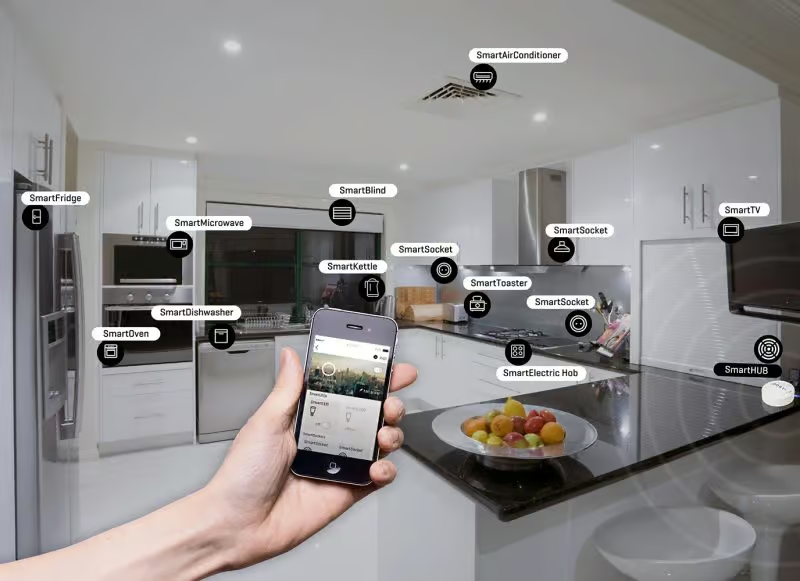
These layers can unlock conveniences (remote monitoring, cycle customization, energy insights). They can also introduce ongoing costs (subscriptions), hidden risks (privacy/security), and repair complications (more parts = more failure points).
2) The Cost Stack: Beyond the Price Tag
A. Upfront Premium
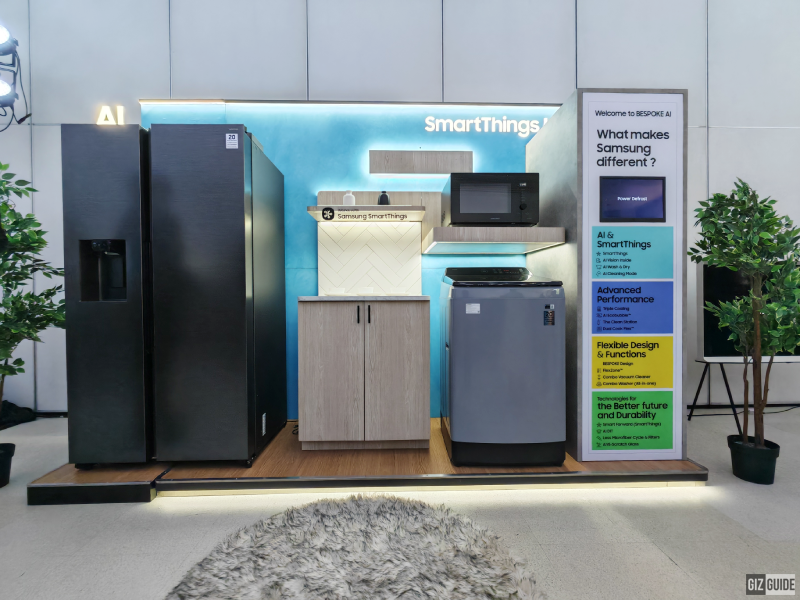
Smart variants often cost more than their non-connected counterparts. The markup funds extra components and software development. Ask yourself: Will you use the features weekly—not just during the first month?
B. Energy Use (and Savings Claims)
Some smart appliances optimize energy by shifting cycles to off-peak times or fine-tuning temperatures. Others draw extra standby power for radios, displays, and always-on processors. The net effect varies by brand and model. If energy efficiency is your priority, look at independent energy ratings first, then treat smart features as a bonus—not the primary reason to buy.
C. Maintenance & Repairs
Smart hardware adds boards, antennas, and specialty parts that may increase repair complexity and cost. If a touchscreen fails, you’re replacing more than a knob. Also consider firmware dependency: some functions break if updates stop—creating a weird “digital wear-out” even if the motor and compressor are fine.
D. Subscriptions & Paid Features
A growing number of brands lock premium functions—like advanced cycles, usage analytics, or recipe libraries—behind paywalls. Subscriptions may start free and become paid after a trial. Forecast the five-year total if you dislike recurring fees.
E. Connectivity Tax: Routers, Range, and Upgrades
Spotty Wi-Fi leads to flaky features. You might need better routers or extenders, and you’ll spend time troubleshooting. Smart devices also age alongside your network; a future router upgrade or security protocol change can strand older models.
3) Benefits Worth Paying For (Sometimes)
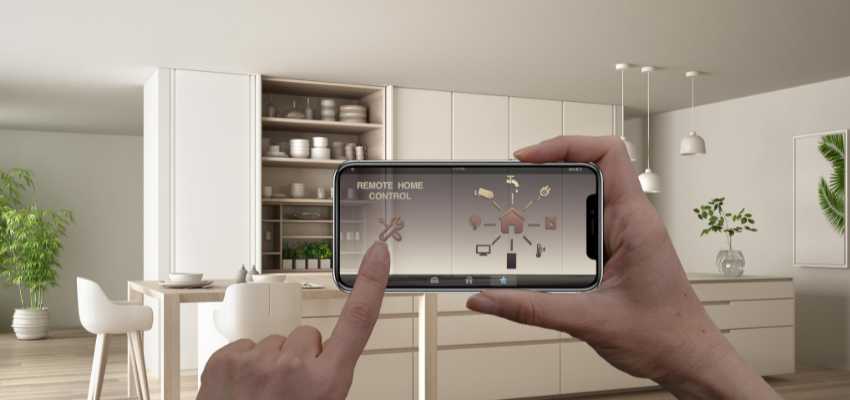
Remote Monitoring When It Saves You Time—or Food
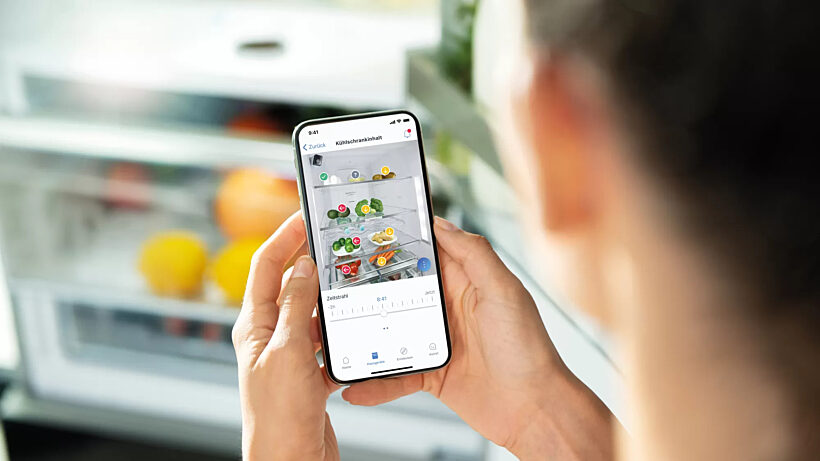
Laundry notifications that keep clothes from getting musty? Great. Fridge temperature alerts during a summer outage? Even better—especially if you live in a hot climate or experience frequent power blips.
Real Energy Insights (Not Just Pretty Charts)
If an app shows actionable data—e.g., “your dryer’s eco cycle saved 0.7 kWh this week; here are settings to save more”—that’s tangible. If it’s just a graph, the value fades after the novelty.
Software-Driven Performance
Some ovens, dishwashers, and washers gain new modes via updates (air-fry presets, stain-specific cycles). When updates are robust and free, value can rise over time—the rare case where a machine improves after purchase.
Accessibility & Caregiving
App controls can help caregivers, people with limited mobility, or shared households manage tasks from anywhere. That’s hard to price but often decisive.
4) Risks and Frictions Buyers Underestimate
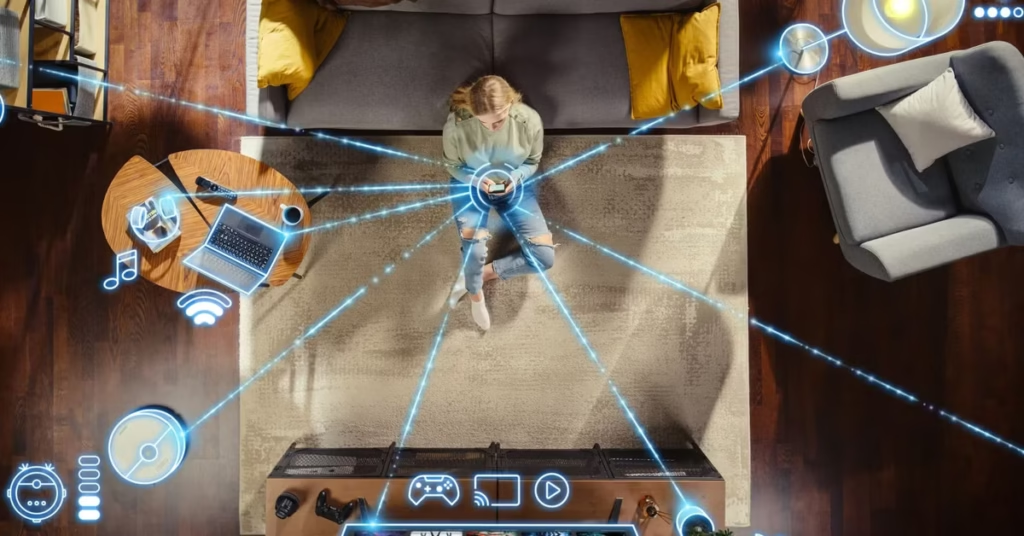
A. Privacy & Data Practices
Usage patterns (when you’re home, which cycles you run) can be sensitive. Read what data is collected and how long it’s retained. Opt-out toggles are good; local-only modes are even better.
B. Security & End-of-Support
Firmware must be patched. If a brand sunsets updates early, your appliance could become vulnerable, or features may degrade. Look for explicit support timelines and auto-update options you can control.
C. App Longevity and “Platform Drift”
Brands merge apps, discontinue old ones, or rebrand services. If your appliance relies on a specific app that disappears, you may lose remote features. Check whether the device supports open standards (e.g., Matter/Thread) and common assistants to reduce lock-in.
D. Repairability & Parts Availability
Ask about exploded-view diagrams, part numbers, and independent service documentation. Even if you won’t repair it yourself, better documentation correlates with smoother maintenance over a decade.
E. Network Dependency
If the internet goes down, what still works? Ensure essential functions—washing, cooling, heating—remain fully manual without the app.
5) The Five-Year Value Test (A Simple Worksheet)
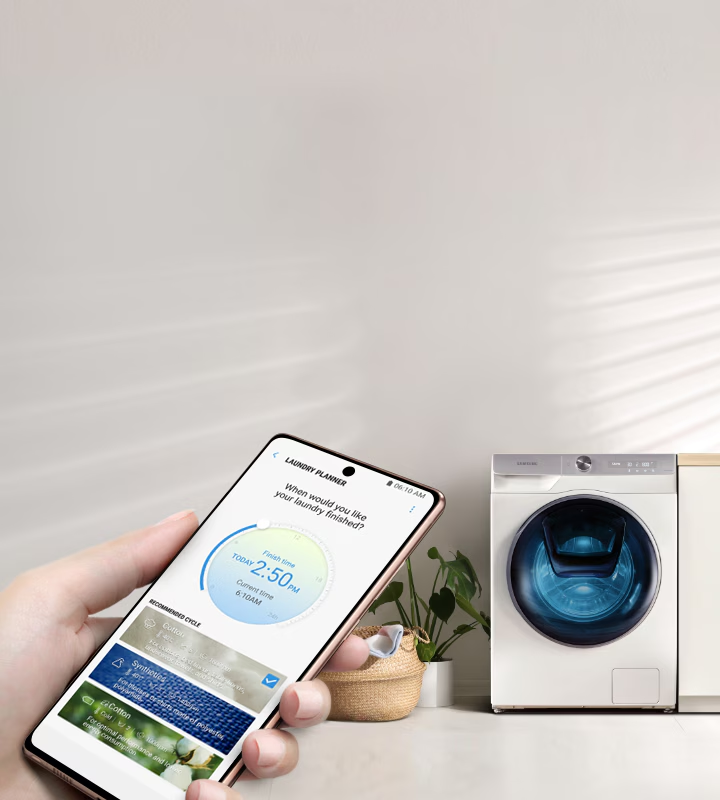
Use this quick exercise before you buy:
- Feature Frequency: List the smart features you truly expect to use weekly. Remote start? Leak alerts? Voice control? If the list is short or novelty-driven, the premium may not pay off.
- Time Saved: Estimate minutes saved per week × 52 weeks × 5 years. If the total doesn’t clear a few hours annually, the value might be marginal.
- Money Saved: Add expected energy savings, avoided food spoilage, and any utility rebates—then subtract subscription fees and potential router upgrades.
- Support Horizon: Confirm firmware update and parts-availability timelines. Longer support is a quiet form of value.
- Exit Plan: Consider resale value. App-dependent devices with expired support depreciate faster.
If, after this, the smart model still looks compelling for your home, you’ve got a defensible purchase.
6) Smart vs. “Smart-Enough”: A Decision Framework by Room
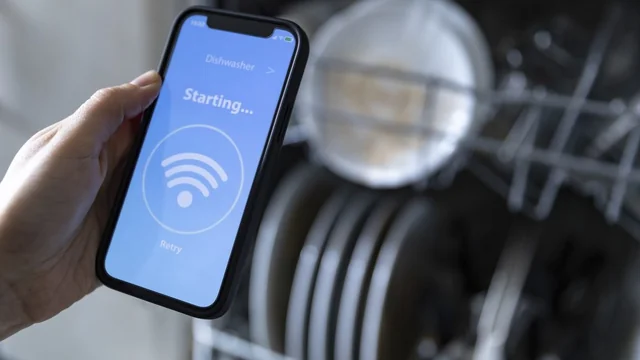
Kitchen: Refrigerator, Range, Dishwasher
- Worth it when: You want outage and temperature alerts; you’ll actually use guided cooking; you need remote diagnostics.
- Caution: Cameras in fridges add cost and can fail early. For ranges, ensure core controls work offline.
Laundry: Washer & Dryer
- Worth it when: You rely on end-of-cycle alerts and load-specific programs; you share machines in a busy household.
- Caution: Look for mechanical reliability first—drum, bearings, motor—then add smart features if they’re robust and ad-free.
HVAC & Water: Thermostats, Heaters, Leak Sensors
- Worth it when: You’ll use scheduling and geofencing, or you need freeze/leak alerts.
- Caution: Confirm local control if the cloud service is unavailable.
7) Red Flags in Marketing Copy

- “Requires subscription” (for core functionality).
- “Cloud only” settings (no local fallback).
- “Proprietary accessories” that gate features behind brand-specific parts.
- “Coming soon” features without dates—treat them as non-existent.
- Vague claims like “AI-powered efficiency” without measurable outcomes.
8) Setup, Ownership, and Handover
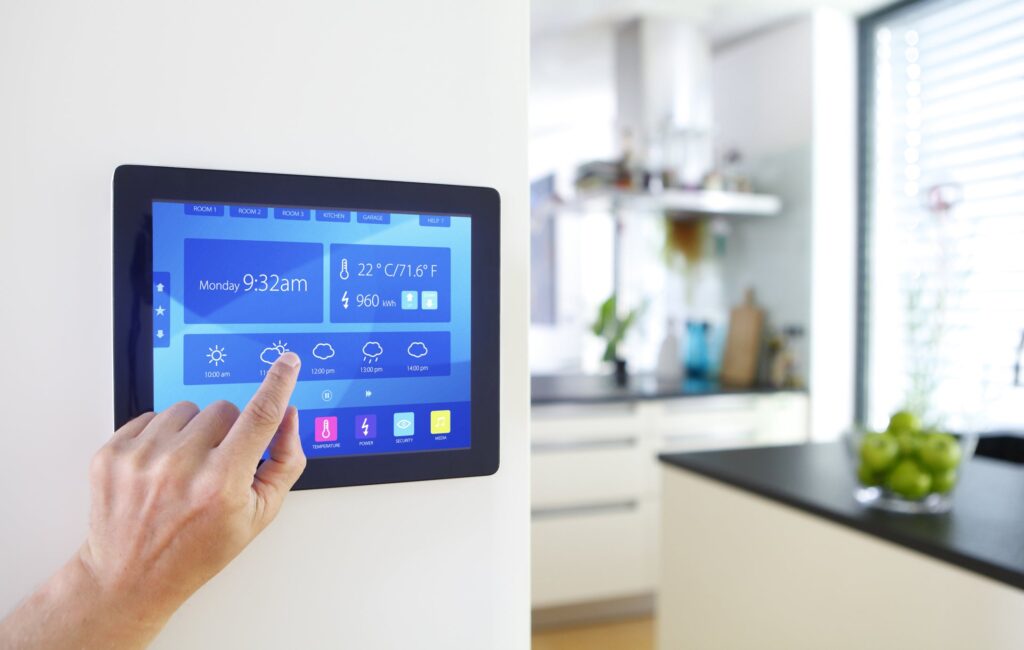
A smart appliance should come with:
- A clear onboarding flow: easy Wi-Fi pairing, guest access, and multiple user roles.
- Data controls: the ability to purge logs, disable analytics, and opt out of marketing.
- Handover instructions: if you sell the appliance or move, you can factory-reset, transfer ownership, and revoke app access.
- Printed essentials: keep a physical quick-start and wiring diagram; clouds don’t help during an outage.
9) Sustainability: The Hidden Cost of “Always Connected”
Connectivity shortens perceived lifespan when software ages faster than hardware. That accelerates e-waste and erodes the energy savings you thought you were buying. Favor brands that:
- Commit to long support windows.
- Offer modular parts (replace a board, not the whole door).
- Publish repair guides and partner with independent technicians.
Longevity is the greenest feature—smarts or not.
10) When a Non-Smart Model Wins
If your home has unreliable internet, if you value bulletproof durability, or if you simply won’t use the app, a well-reviewed non-smart model is often the better investment. Spend the saved budget on higher-quality mechanical components, extended parts availability, or a surge protector—things that pay off regardless of software.
Bottom Line
Smart appliances can be worth it, but only when the specific features match your routine, the software support is credible, and the total five-year cost (including subscriptions and repairs) still pencils out. Treat Wi-Fi and apps as multipliers—not the foundation. Buy for build quality first; add connectivity when it meaningfully saves time, prevents waste, or improves accessibility.
For more practical buying checklists and DIY-friendly tips, browse Appliance Rescue. If you’re unsure which features matter for your situation—or you just want a sanity check—Contact us and we’ll point you to the right guide.